Grok Bot troubleshooting: common errors, 401, 429, and recovery
This article was produced with AI assistance. Editorial standards apply.
 AI Edited
Last updated: 16 October 2026
Key takeaways
- An authenticating error is sign-in or a plugin. A Bot that failed to respond is usually stuck, waiting, or quiet on X. Reset the computer last.
- 401 means a missing or invalid Bearer key — do not retry. 429 means RPS or TPM — wait
2 ** attemptseconds. - Recover an unreachable computer in the official least-destructive order and copy the request ID.
- Discord 401s must stop; Discord 429s honor
Retry-After.
Grok Bot troubleshooting starts by classifying the failure as an xAI HTTP status, a Grok Bot computer state, or a connector refusal.
Separate API failures from computer and plugin failures
Three failure planes share the same chat UI. Mixing them produces the wrong retry.- xAI HTTP —
api.x.aireturned 400, 401, 403, 404, 410, 429, or 5xx. Check status.x.ai only after the status code is not a key or quota problem. - Grok Bot computer — sign-in, setup, unreachable Agent Computer, stuck computer-use, or local-execution policy.
- Connector / Discord / routine — plugin OAuth, Discord 401/429, disabled schedule, or exhausted usage.
Retrying a mutating tool loop on a 401 burns the same bad key. Preview writes with a dry-run gate before any second attempt against Salesforce, GitHub, or Slack.
Public posts on X have shown Grok 4.6 returning HTTP 500 capacity errors under load (@Daniel_Farinax, 20 Aug 2026). Treat 5xx as transient. Treat 401 as configuration.
Tool contracts that produce those HTTP calls live in custom Grok bot tools JSON.
HTTP status codes operators actually hit
 AI Edited
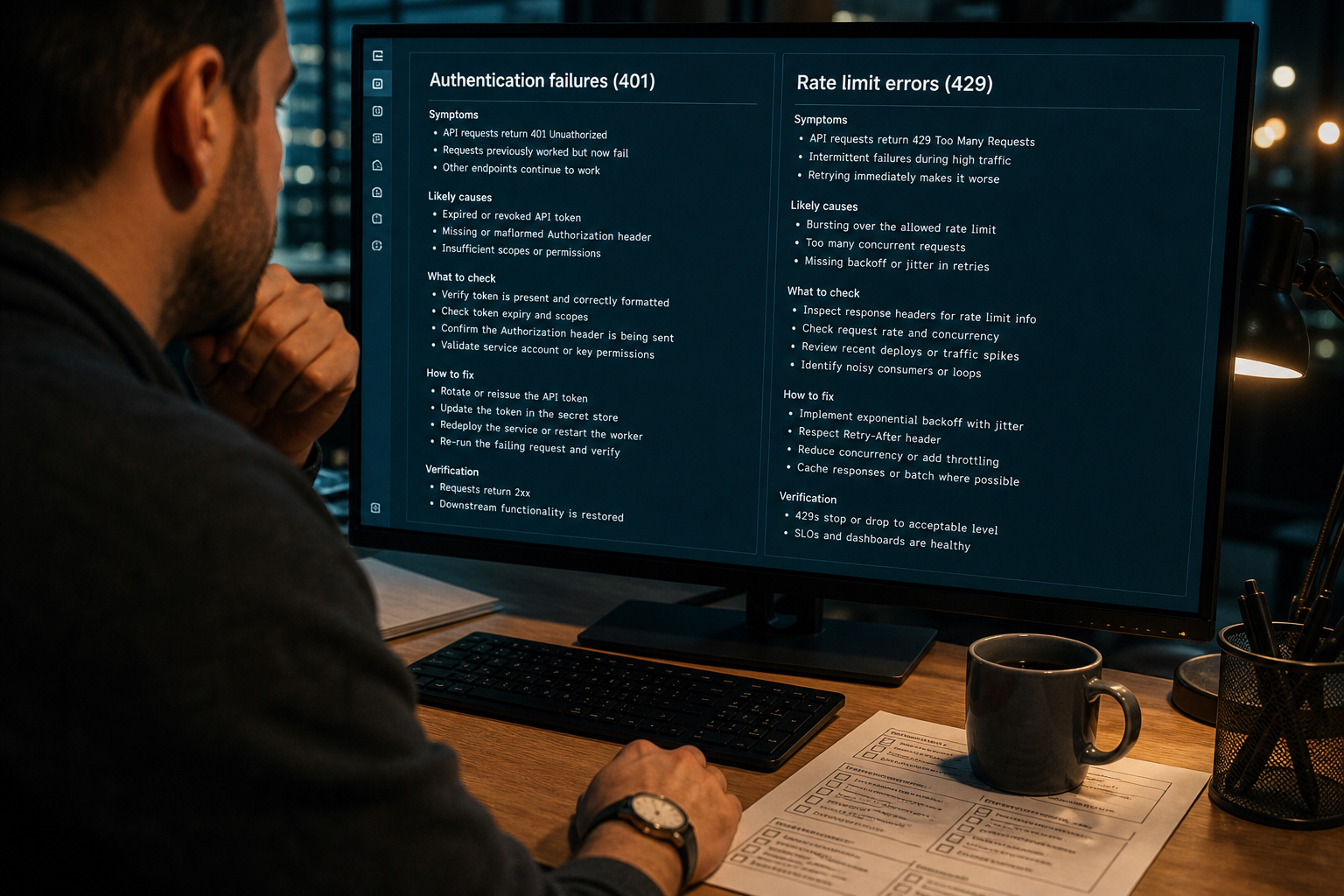
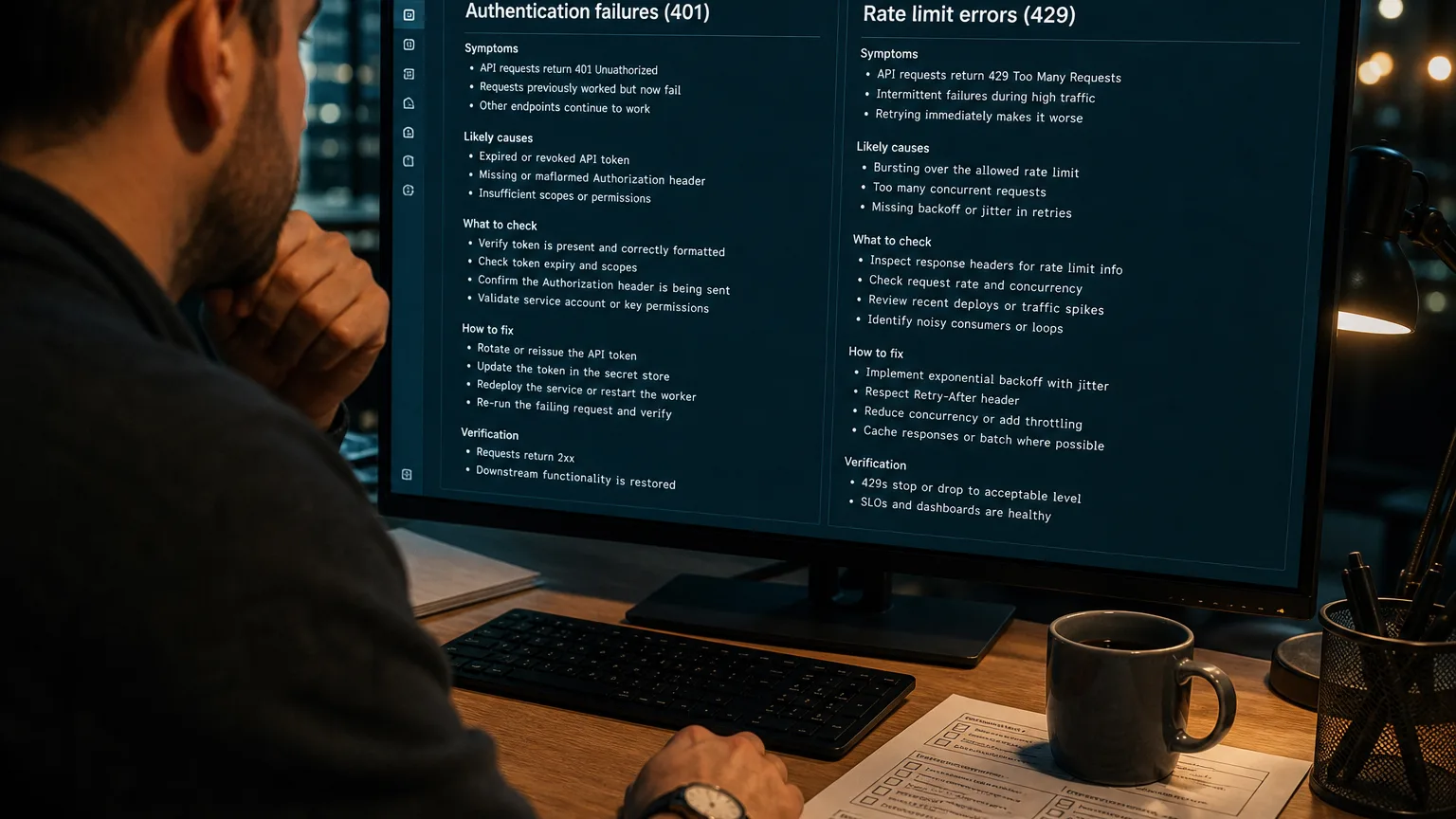
The xAI debugging status codes table is the source of truth for inference errors. Map the code, then pick a retry policy.
| Status | Cause (official) | Operator action |
|---|---|---|
| 400 Bad Request | Body or URL rejected | Do not retry. Fix the payload. |
| 401 Unauthorized | No Authorization header or invalid token | Send Authorization: Bearer <XAI_API_KEY>. Do not retry. |
| 403 Forbidden | Team permission missing | Ask a team admin. |
| 404 Not Found | Wrong path or body vs API Reference | Check the endpoint. Do not retry the same URL. |
| 410 Gone | Deprecated Live Search search_parameters | Switch to Agent Tools (web_search / x_search). Notice: @BenjaminDEKR, 5 Dec 2025. |
| 429 Too Many Requests | RPS or TPM cap on inference | Reduce rate or raise the tier. Official sample uses exponential backoff: wait 2 ** attempt seconds (xAI rate-limit backoff). |
| 5xx | Service or capacity | Bounded backoff, then fail visibly. Check status.x.ai. |
Per-model RPS and TPM scale by spend tier. Prompt, completion, reasoning, and cached prompt tokens all count toward TPM. Wrappers still sending search_parameters keep getting 410 — rebuild them as Grok CLI skills and SKILL.md files.
Browse verified engineering routines →
Update, recover, or reset the Agent Computer
The [official troubleshooting guide](https://docs.x.ai/grok-bot/troubleshooting) orders recovery from least to most destructive. Cloud work can continue while the desktop app is disconnected.Sign-in does not complete: keep the app open during browser auth, confirm the browser shows a successful Cursor sign-in, return to the app, and choose Sign in again. SSO needs the organization login. Legacy Privacy Mode blocks required storage. Change the Cursor data setting or ask the organization admin.
Computer still setting up: wait while progress still moves. If it stops: retry, restart Grok Bot, check for an app update, then Settings → Computer → Update Bot’s Computer.
Computer cannot be reached (profiles are not necessarily lost):
- Choose Retry or reopen the conversation.
- Restart the Grok Bot app.
- Choose Recover computer when the unreachable state offers it. The confirmation dialog calls it Recover Grok Bot’s Computer.
- If recovery is not offered, open Settings → Computer and choose Update Bot’s Computer. On iPhone and Android the path is Settings → Bot → Bot Computer → Reset Computer.
- Wait for the replacement computer.
- Reset only after recover and update fail, and only if you accept losing recent unsynced work.
Recover and Update keep durable files and logins. Reset restores the last saved snapshot. Settings and notifications uses the same split: Update installs the latest computer software and keeps files. Reset restarts from the last snapshot.
The app and the computer update separately. Settings → Updates → Check for Updates, then Restart to Update, updates the desktop app. That does not reset the cloud computer.
Stuck Bot: inspect the sidebar, open the computer, look for approval, login, CAPTCHA, or a secret request. Send Stop now when the task should end. Copy the request ID from Notifications before contacting support.
Pair a typed debug routine from the debug-assistant sandbox when you need a schema-backed error parse instead of a chat guess.
Grok Bot authenticating error
 AI Edited
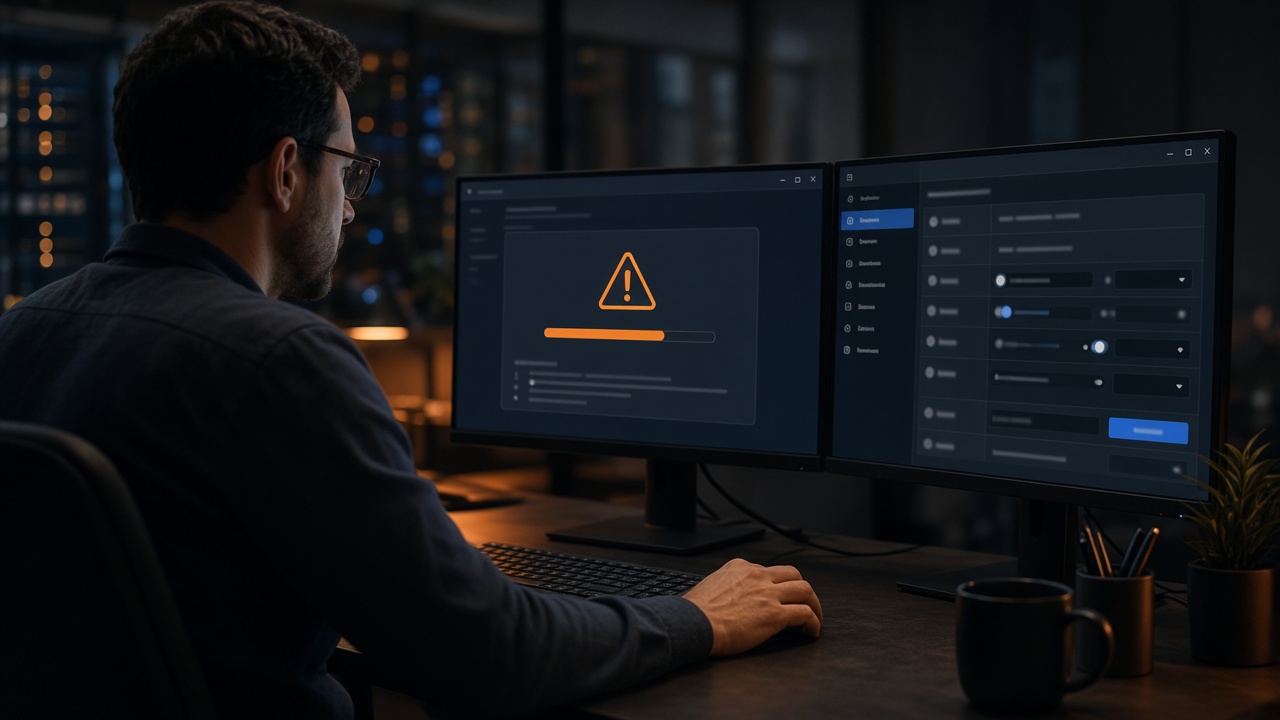
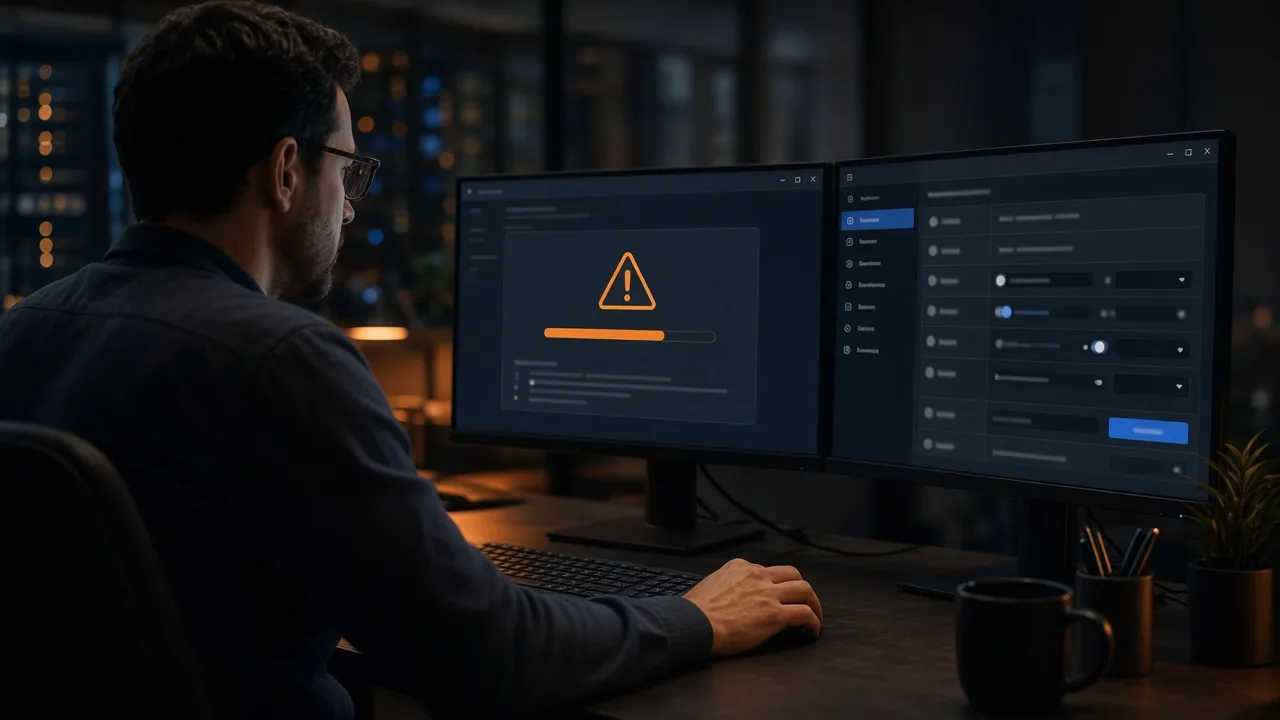
An authenticating error is not a computer reset. Match the sentence on screen to one of these official paths.
App sign-in. Grok Bot sign-in uses the shared xAI sign-in path. There is no separate Grok Bot login. Use the current app, start the flow from the app, finish every browser prompt, and confirm you picked the intended account. Phone verification errors stay on the prompts in the product. Support wants the exact error text, platform, version, and where in the flow it failed.
Plugin authentication. The troubleshooting page says: open Connect apps → Your plugins, confirm the plugin is Installed, reopen its detail page, complete browser authorization with the intended account, then retry. If the source service revoked the token, remove the plugin and connect it again. Organization variables and admin setup are a third cause. Do not Reset Bot’s Computer to fix a revoked OAuth token.
API 401. That is a missing or invalid Authorization: Bearer token on api.x.ai. Do not retry. The status table above is the map. Custom tool JSON that produces those calls is in how to create a custom Grok bot.
When a Grok Bot failed to respond
The docs do not publish one error string named “bot failed to respond.” They publish the states operators describe that way.- Stuck in the app. Sidebar status, an open computer, a pending approval, login, CAPTCHA, or secret request. Send a short redirect, or Stop now. A computer-use task already on that Bot’s screen may need to finish before another starts. Usage or an on-demand spending limit can also stop work. Check Usage & Billing when that section is available.
- Quiet on X. Tagging @bot is not available in every region. @bot also stays quiet when a post has a video, also tags @grok, or does not pass internal moderation. That list is on the same troubleshooting page.
- Routine never ran. Confirm it is enabled, the time zone is right, the owning Bot still exists, plugins are still authenticated, the computer can reach the source, and usage is not paused. Test run can perform real external actions.
Resetting the computer is step 6 of the unreachable-computer list, not the first response to silence. CLI skill files are unrelated. Those live on Grok CLI skills.
Discord, plugins, and routines that never ran
Plugin install failures are usually OAuth, not Grok inference. Reopen **Settings → Plugins**, complete browser authorization, then retry. Revoked tokens need a remove-and-reconnect.A routine that never ran needs a checklist: enabled, schedule/time zone, owning Bot still exists, plugins authenticated, computer can reach the source, usage not paused. Test run can perform real external actions.
Discord HTTP is a second API. Official Discord rate-limit headers return 429 with Retry-After / retry_after. 401 means a missing or invalid Authorization header (opcodes and status codes). Stop after an invalid bot token. Discord counts 401, 403, and 429 toward an invalid-request Cloudflare ban (10,000 / 10 minutes).
Gateway timeout on slash commands is a Discord interaction constraint, not an xAI 429. See Grok Discord bot gateway setup.
FAQ
### What does a Grok API 401 mean?A 401 means no authorization header or an invalid token. Add Authorization: Bearer <XAI_API_KEY>. Do not retry.
How do I fix a 429 Too Many Requests response?
A 429 means the team hit RPS or TPM for that model. Wait 2 ** attempt seconds as in the official rate-limits sample, or raise the tier in the Console.
Why did my Grok Bot fail to respond?
Check a stuck computer task, a pending approval, usage limits, and the @bot quiet rules on X before you reset the computer. Reset is the last step on an unreachable computer.
What does a Grok Bot authenticating error mean?
Sign-in uses the shared xAI path. A plugin error means reopen Connect apps and finish browser authorization, or remove and reconnect a revoked token. An API 401 means the Bearer key. None of those three is fixed by Reset Bot’s Computer.
Why is the Grok Bot computer unreachable?
Unreachable is a computer/app state, not always an API outage. Follow Retry → restart → Recover → Update Agent Computer. Reset last.
Should I retry a 401?
No. 401 is a configuration failure on both xAI and Discord. Retrying an invalid token can trigger Discord’s invalid-request ban.
Related reading
More guides like this appear when you search BotSkillsStack Grok errors on Google.
Sources
- Grok Bot sign-in (xAI)
- Debugging Errors (xAI Docs)
- Rate Limits (xAI Docs)
- Grok Bot Troubleshooting (xAI Docs)
- Settings and notifications (xAI Docs)
- Tools overview (xAI Docs)
- Discord Rate Limits
- Discord Opcodes and Status Codes
- @Daniel_Farinax on Grok 4.6 HTTP 500 capacity (20 Aug 2026)
- @BenjaminDEKR on Live Search 410 / Agent Tools (5 Dec 2025)