How to Connect Model Context Protocol (MCP) Servers to Grok
This article was produced with AI assistance. Editorial standards apply.
 AI Edited
 Last updated: October 16, 2026
This article was produced with AI assistance. Editorial standards apply.
Key takeaways
- MCP is the open standard for connecting models to tools, data, and prompt templates.
- Tools are model-called. Resources are app-fetched. Prompts are user-invoked.
- STDIO servers must never print to stdout. That stream is JSON-RPC.
- Local stdio attaches with
grok mcp add. A grok.com custom connector rejects localhost until you publish a tunnel URL.
Connect Model Context Protocol (MCP) to Grok by running a standards-compliant server, listing tools over JSON-RPC, and keeping mutations behind a human gate. The MCP tools hub is the directory parent for those listings.
What MCP is
The [official MCP intro](https://modelcontextprotocol.io/docs/getting-started/intro) defines MCP as an open-source standard for connecting AI applications to external systems. The docs analogize it to USB-C: build the server once, attach many hosts.Grok Bot docs mention connectors/MCP where available. This page is the protocol how-to. The hub at /mcp-tools is the inventory of verified Grok-oriented MCP skills.
Tools, resources, and prompts
[MCP server concepts](https://modelcontextprotocol.io/docs/2026-07-28/learn/server-concepts) split three primitives:| Primitive | Who drives it | Protocol ops |
|---|---|---|
| Tools | Model (with optional consent) | tools/list, tools/call |
| Resources | Application | resources/list, resources/read |
| Prompts | User | prompts/list, prompts/get |
Tools use JSON Schema inputs. Resources use URIs plus MIME types. Prompts are templates, not auto-fired.
Example: the Simosphere MCP agent listing is a crawlable skill page, not a substitute for running your own server.
How to build and run a server

Follow the official build-server tutorial:
- Implement a server that registers tools (the weather quickstart uses
get_alerts/get_forecast). - Choose transport: stdio for a host-spawned subprocess, HTTP for a remote endpoint.
- For STDIO: never write to stdout.
print()corrupts JSON-RPC. Log with the standardloggingmodule to stderr. - The host launches your command. It lists tools, then calls them.
- Test with MCP Inspector before attaching a production Grok client.
The Exa search MCP agent listing shows how this directory documents a search-shaped tool server. Copy the pattern. Do not paste live secrets into skill JSON.
CTA: Run Inspector against your command. Confirm tools/list before you point Grok at it.
Connect a local MCP server
 AI Edited
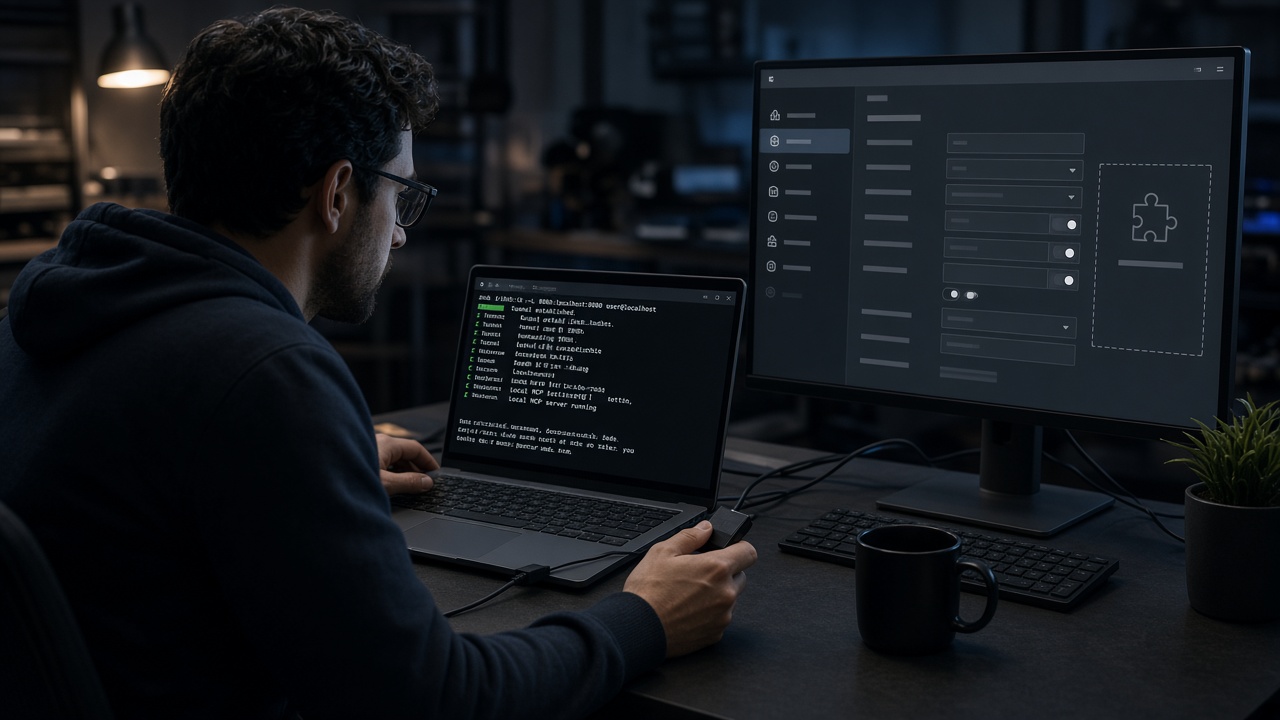
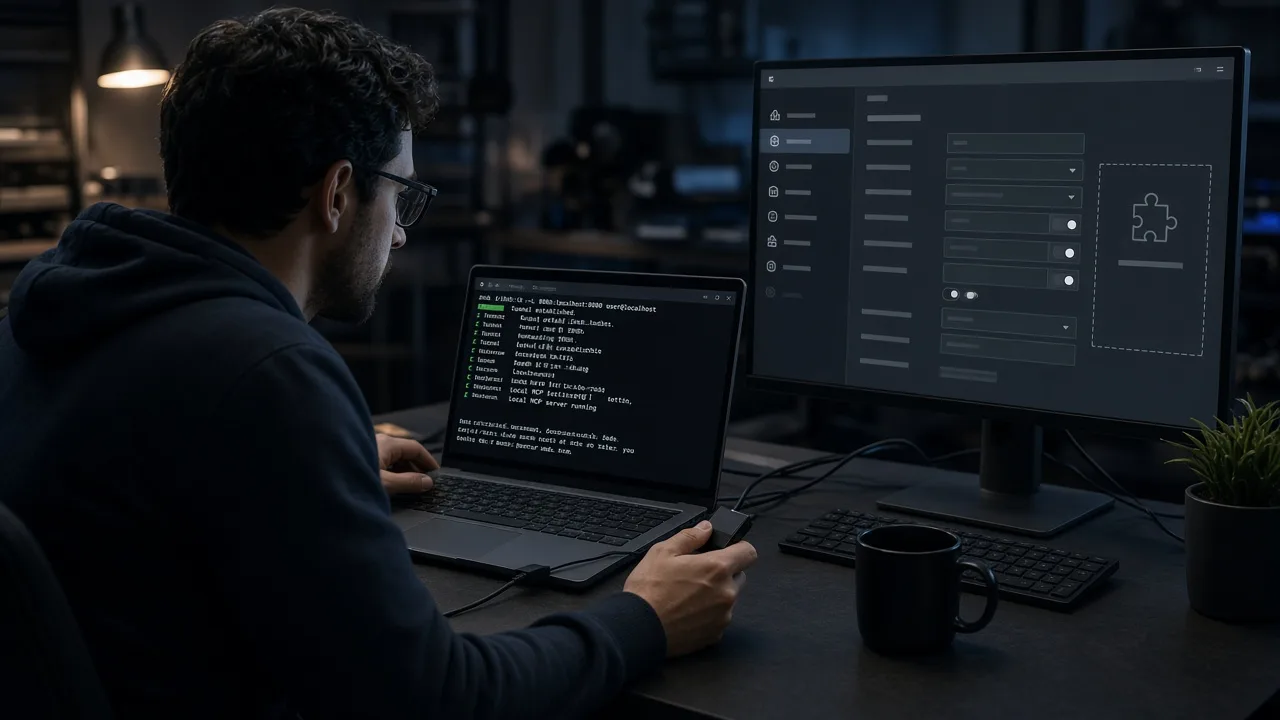
A local MCP server reaches Grok on two different products. Do not use one product’s command on the other.
Grok Build / CLI runs a local stdio server on your machine. The MCP servers guide shows the add command. Everything after -- is the server process:
grok mcp add filesystem -- npx -y @modelcontextprotocol/server-filesystem /path/to/dirgrok mcp list shows what is configured. grok mcp doctor checks connectivity. A remote HTTP server uses --transport http plus the public URL. The same page documents ~/.grok/config.toml keys command, args, and env. ${VAR} expands at load time, so the API key stays in the environment. When a stdio server starts and still fails to connect, grok mcp doctor is the first check and stderr is captured under ~/.grok/logs/mcp/. Filesystem skill folders for that CLI live in the Grok CLI skills guide.
grok.com custom connectors do not spawn that local process. Connectors require a server URL that Grok’s servers can reach on the public internet. Custom MCP server tunneling states that localhost, 127.0.0.1, and private ranges are rejected.
Directory listings of tool servers stay on the MCP tools hub.
Add the server URL in Grok
Add a custom connector only after the URL is public:- Open
grok.com/connectors. - Choose New Connector, then Custom.
- Paste the MCP server URL and finish authentication.
Grok discovers the tools that server exposes. A local HTTP server needs a tunnel first. Official examples: ngrok http 3001, or cloudflared tunnel --url http://localhost:3001. Paste the forwarding URL, not http://localhost:3001. Cloudflare quick tunnels do not support SSE. Use ngrok when the server still speaks SSE. Streamable HTTP works with Cloudflare. Free tunnel hostnames change on restart. Remove the old connector and add the new URL. Keep the local process and the tunnel running. A stopped tunnel fails the next tool call. OAuth or an API key is still required. The tunnel only solves reachability.
Write tools stay behind approval. Typed listings on the engineering hub show the dry-run field those servers should expose. BotSkillsStack does not host an MCP gateway.
FAQ
### What is Model Context Protocol?An open standard for connecting AI apps to tools, data, and prompt templates. Official intro: USB-C for agents.
How do tools differ from resources?
Tools are functions the model may call. Resources are read-only context the application fetches.
How do I connect a server to Grok?
Use grok mcp add when you are on the Grok Build CLI and the server is a local stdio process. Use New Connector → Custom on grok.com when you have a public MCP URL. A localhost URL is rejected there until a tunnel publishes it.
Can Grok Bot use a local MCP server?
The CLI can. grok mcp add starts a stdio server on the machine running Grok Build. grok.com custom connectors cannot dial localhost. Publish a tunnel URL, then add that URL as a custom connector.
Why avoid stdout on STDIO servers?
Stdout is the JSON-RPC channel. Logs go to stderr.
Related reading
Search BotSkillsStack MCP Grok on Google for more operator pages.
CTA: Open the hub, pick one listing, then mirror its tool names in a local Inspector session.